Enterprise AI
The Governance Flip
Why better AI tools don't automatically produce better business outcomes. The research behind Episode 1, visualised—and a practical way to close the gap.
Read the analysisNotes on AI & everyday curiosity
We're Akshay & Diu. We explore what AI means in practice, turn research into useful perspective, and make a few things just for the joy of it.
Read the latest storyThoughtful writing. Eight-minute briefings. Small experiments.
The blog
AI research, clear thinking, and ideas you can put to work.
Why better AI tools don't automatically produce better business outcomes. The research behind Episode 1, visualised—and a practical way to close the gap.
Read the analysis
Listen every Saturday
Eight minutes of practical enterprise AI research with Akshay & Diu. Listen to the briefing, then explore the analysis and takeaways.
After hours
Our hobby projects. A keepsake for your conversations, and a small world for a quieter evening.
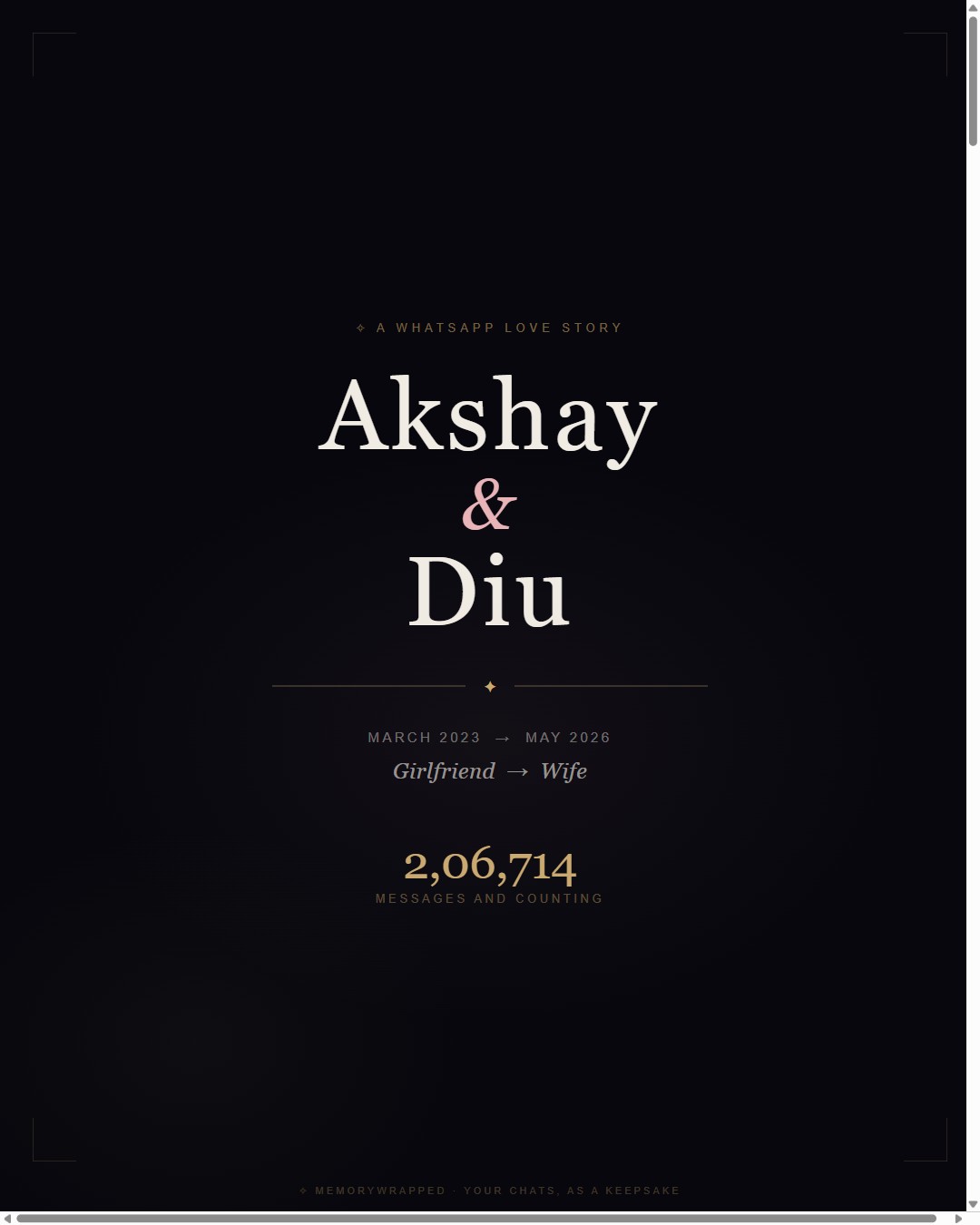
Stories & keepsakes
Your WhatsApp story, in beautiful cards. Turn everyday conversations into something worth keeping. Your chat stays in your browser.
Make a keepsake →Play & unwind
A night companion and a small world to explore. Meet Salem, settle in, and see where the evening takes you.
Step into Salem →
A case for a rainy evening
A secluded hotel. A monsoon murder. Open three envelopes of case files, compare the stories, and build an evidence-backed charge sheet together. Put the case on your TV and share the reading on your phones.
1–6 detectives · 45–75 minutes · Three difficulty modes
Open the case files →